
Save
Open ChatShelf beside a supported AI chat and choose Save current chat. Review the details before saving.
Save the conversations worth keeping. Find the right prompt, idea or link when you need it again.
ChatShelf is a Chrome side-panel extension for saving and organizing useful conversations from ChatGPT, Claude, Gemini and Grok.
Save the current conversation as a clear library card with its title, link, prompt text, source service, collection and an optional thumbnail.
Search your library, switch layouts, drag cards into order, copy a saved prompt or reopen the original conversation.
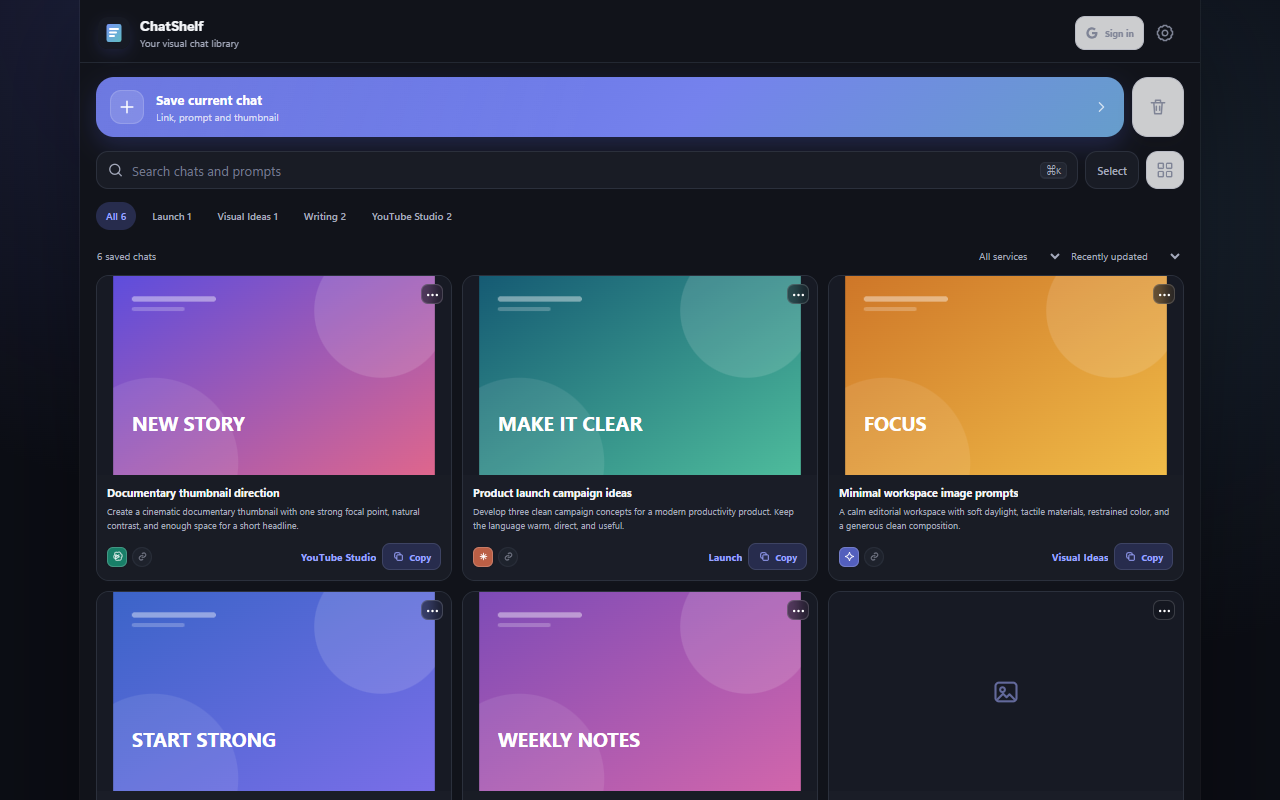
Open ChatShelf beside a supported AI chat and choose Save current chat. Review the details before saving.
Group conversations into collections, filter by AI service, choose a visual layout and arrange cards manually.
Search titles and prompts, copy the exact saved text or reopen the original conversation in one click.
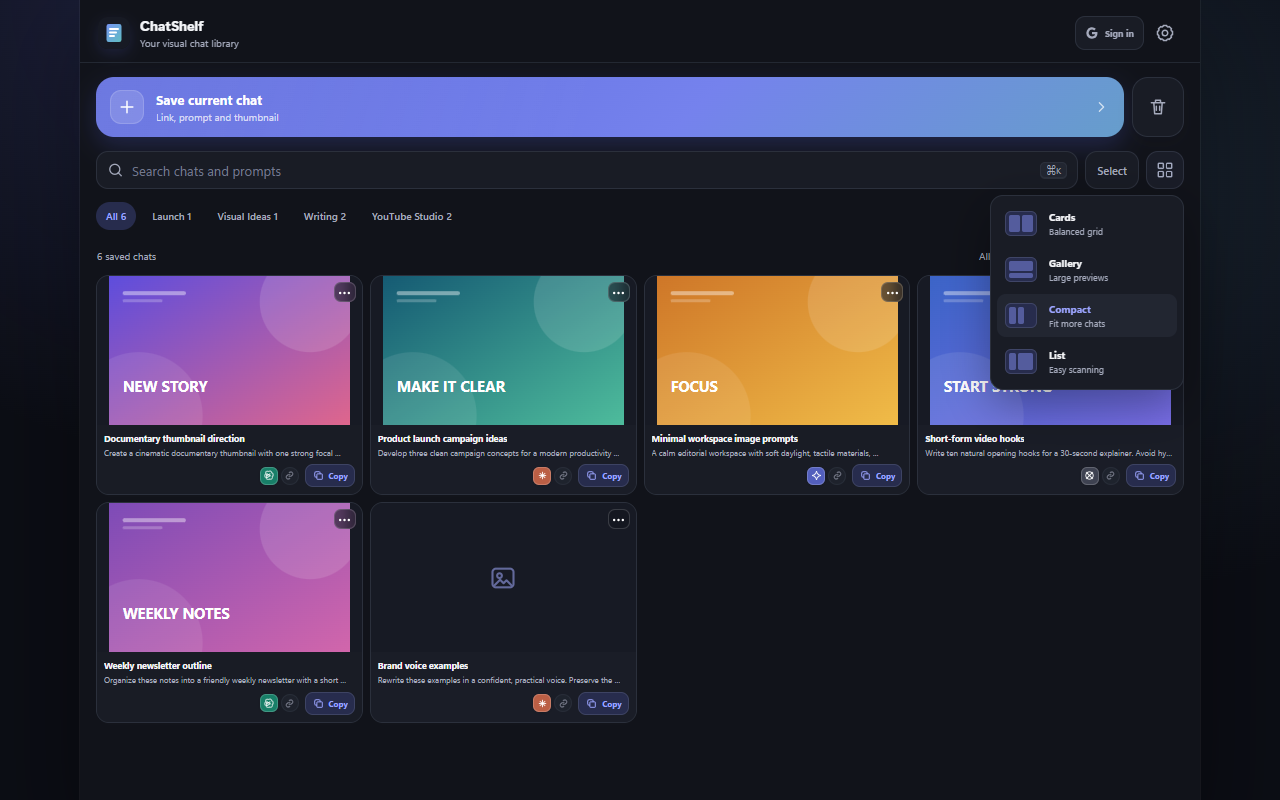
ChatShelf stays focused on making saved conversations easier to organize and use again.
Save conversations from ChatGPT, Claude, Gemini and Grok.
Keep line breaks, indentation and punctuation ready to copy.
Use collections, service filters, search, layouts and manual ordering.
Restore deleted items for up to 30 days before automatic cleanup.
ChatShelf stores your saved library in Chrome's local extension storage by default. Google sign-in is optional. If enabled, ChatShelf saves one private backup file in your own Google Drive app-data folder so your library can be restored and synchronized.
ChatShelf does not receive your Google password. Authentication is handled by Chrome and Google.
When a user enables cloud sync, ChatShelf requests basic account information to show which account is connected and access to the private Drive app-data folder to save or restore the ChatShelf backup.
Add your final Chrome Web Store link to this button before publishing the site.